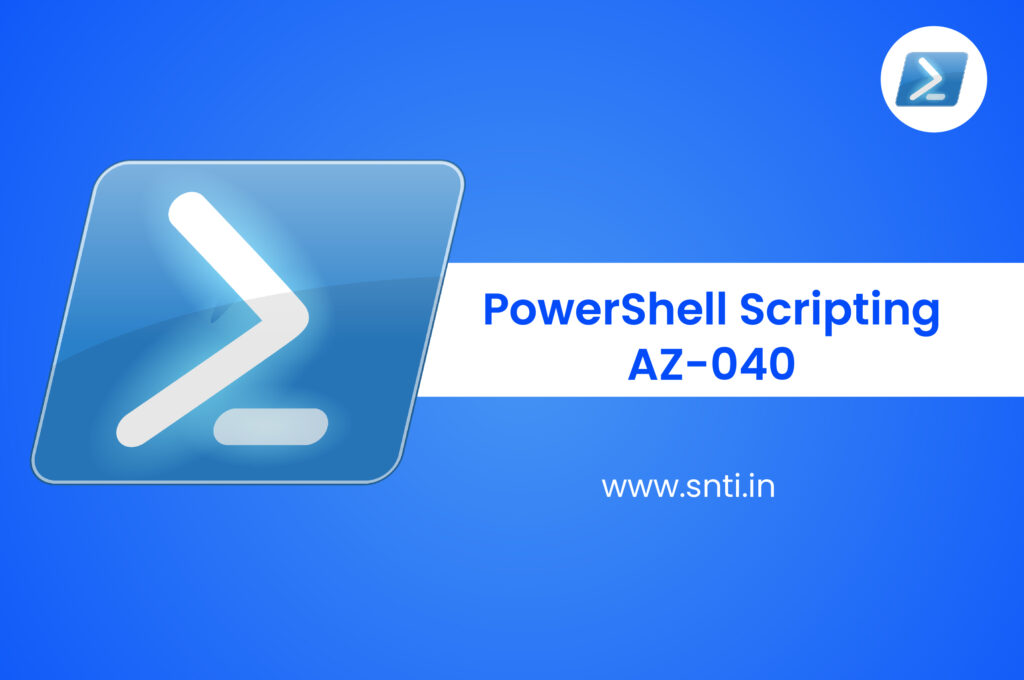
PowerShell Scripting Training & Certification
What you'll learn?
- You will understand how to create a PowerShell script from the ground zero.
- control and administrate your Windows machines & servers.
- The ability to write functions and scripts that will save time..
Description
This comprehensive training program focuses on empowering participants with the necessary skills to effectively utilize Windows PowerShell, a task-oriented command-line shell and scripting language built on the .NET framework. Tailored specifically for systems administration, this course is specifically designed to accommodate individuals with no prior experience in working with Windows PowerShell.
SNTI is the best training institute in pune for PowerShell Scripting Training & Certification which provides you the best learning experience and quality training. Join SNTI for PowerShell Scripting On-Premises and in-Premises PowerShell Scripting Training.
Ideal Candidates for This Course:
- Undergraduate students from computer background-BE(IT), BE (Comp), BCA, BSc (Comp), BSc (IT).
- BCS IT Professional having knowledge of Computer and Networking.
- Security officers & Security professionals.
- Site administrators.
Curriculum
Basic PowerShell Scripting
Module 1: Introduction
- Powershell Help System.
- Understanding PowerShell help System
- Types of Help Available.
- How to read PS Help.
- Understanding the commands.
- Identifying the parameters.
Module 2: PowerShell Help System
- Powershell Help System.
- Understanding PowerShell help System
- Types of Help Available.
- How to read PS Help.
- Understanding the commands.
- Identifying the parameters.
Module 3: Working with the Pipeline
- Working with the Pipeline.
- Concept of Pipeline.
- Advantages of Pipeline.
- Exporting, Importing, and Converting Data.
- Filtering Objects Out of the Pipeline.
- Enumerating Objects in the Pipeline.
Module 4: How the Pipeline Works
- How the Pipeline Works.
- Passing Data in the Pipeline ByValue.
- Passing Data in the Pipeline ByPropertyName.
Module 5: PSProviders and PSDrives
- Using PSProviders and PSDrives.
- What are PSProviders and PSDrives.
- Purpose of PSProviders and PSDrives.
- Using PSDrives to work with Registry, Files system.
- Modifying/Querying the Registry and File system.
Module 6: Formatting Output
- Formatting Output.
- Using Basic Formatting.
- Exploring Inbuilt formatting.
- Using Advanced Formatting.
- Redirecting Formatted Output to file, Screen, Printer.
- Custom Formatting.
Advanced PowerShell Scripting
Module 1: WMI and CIM
- Using WMI and CIM.
- Introduction to WMI and WMI Objects.
- Need of WMI in Powershell.
- Querying Data with WMI/CIM.
- Making Changes with WMI/CIM.
Module 2: Preparing for Scripting
- Preparing for Scripting.
- Types Of Variable.
- Using Variables.
- Scope of Variables.
- Data types.
- Operators.
- Scripting Security.
Module 3: Loops Supported in PowerShell
- Loops Supported in PowerShell.
- If Statement.
- If-else Statement.
- Else-if Statement.
- Switch Statement.
- Nested If Statement.
- Foreach.
- For Loop.
- While Loop.
- Continue and Break Statement.
Module 4: Introduction to Error Handling
- Introduction to Error Handling.
- Handling Errors.
- Try Catch Finally statement.
- Trap Exception.
- Add error handling to a function.
- Script to know list of exception.
Module 5: Use of Advanced PowerShell Techniques and Profiles
- Using Advanced PowerShell Techniques and Profiles.
- Understanding PowerShell Function.
- Purpose Of Functions.
- Creating PowerShell Functions.
- Test completed functions.
- Adding Help information in functions.
- Using Parameters in script.
- Adding advanced parameters.
- Creating Profile Scripts.
Module 6: Command to a Script to a Module
- Moving From a Command to a Script to a Module.
- Moving from Command to Script.
- Moving from Script to Function to Module.
- Implementing Basic Error Handling.
- Using Basic Scripting Constructs.
- Further Exploration in Scripting
Module 7: Administering Remote Computers
- Administering Remote Computers.
- What is PowerShell Remoting?.
- Prerequisites for Remoting.
- Using Basic Remoting 1:1 and 1: Many.
- Creating interactive Remote session.
- Creating Persistent Session.
- Using Remoting for Delegated Administration.
Module 8: PowerShell Modules and Manifests
- PowerShell Modules and Manifests.
- Adding additional functionality in shell.
- Exploring new CMDLETS.
- Dynamic/Manual Module loading.
- Creating your own module.
Course Features
- Duration: 40 hours
- Training Type: Classroom & Online
- Students Enrolled: 3500+
- Certificate: Yes
- Batch Available: Mon-Sun
- 100% Placement Support: Yes
Salary Scale
Job Role
- It is a long established fact that a reader will
- It is a long established fact that a reader will
- It is a long established fact that a reader will
- It is a long established fact that a reader will
- It is a long established fact that a reader will
- It is a long established fact that a reader will
- It is a long established fact that a reader will
- It is a long established fact that a reader will
- It is a long established fact that a reader will
- It is a long established fact that a reader will
- It is a long established fact that a reader will
Training Option
- Live-Online Instructor Led Training
- 100+ lab assignments & Quizzes
- 24/7 Lab access on Rooman Cloud Lab
- Labs Designed & Mentorship support by Industry Experts
- 5 capstone projects
- Live-Online sessions with Industry Experts & Subject Matter Expert from Rooman
- Access to Recorded Session of Live-Online Classes available 24/7
- Industry Recognized Course Completion Certificate
- Interview Preparation & Placement Support


- In-Person Classroom based Training conducted by Subject Matter Expert
- Flexibility to attend classes at any of our 50+ Centers PAN India
- Hands-on experience at our state-of-the-art Lab
- 100+ lab assignments & Quizzes
- 24/7 Lab access on Rooman Cloud Lab
- Labs Designed & Mentorship support by Industry Experts
- 5 Capstone & 1 real-world project
- Exclusive sessions with Industry & Subject Matter Expert
- Access to Recorded Session of Live-Online Classes available 24/7
- Industry Recognized Course Completion Certificate
- Interview Preparation & Placement Support
- Access to Campus Placement drives
- 1 year access to our LMS
Our Alumni
Exam Partner




FAQ
Item #1
Lorem ipsum dolor sit amet, consectetur adipiscing elit. Ut elit tellus, luctus nec ullamcorper mattis, pulvinar dapibus leo.