- Demonstrate competency in enterprise security.
- Risk management.
- Communications, and business discipline.
- Demonstrate proven knowledge of security concepts.
- Research and analysis and integration of computing.
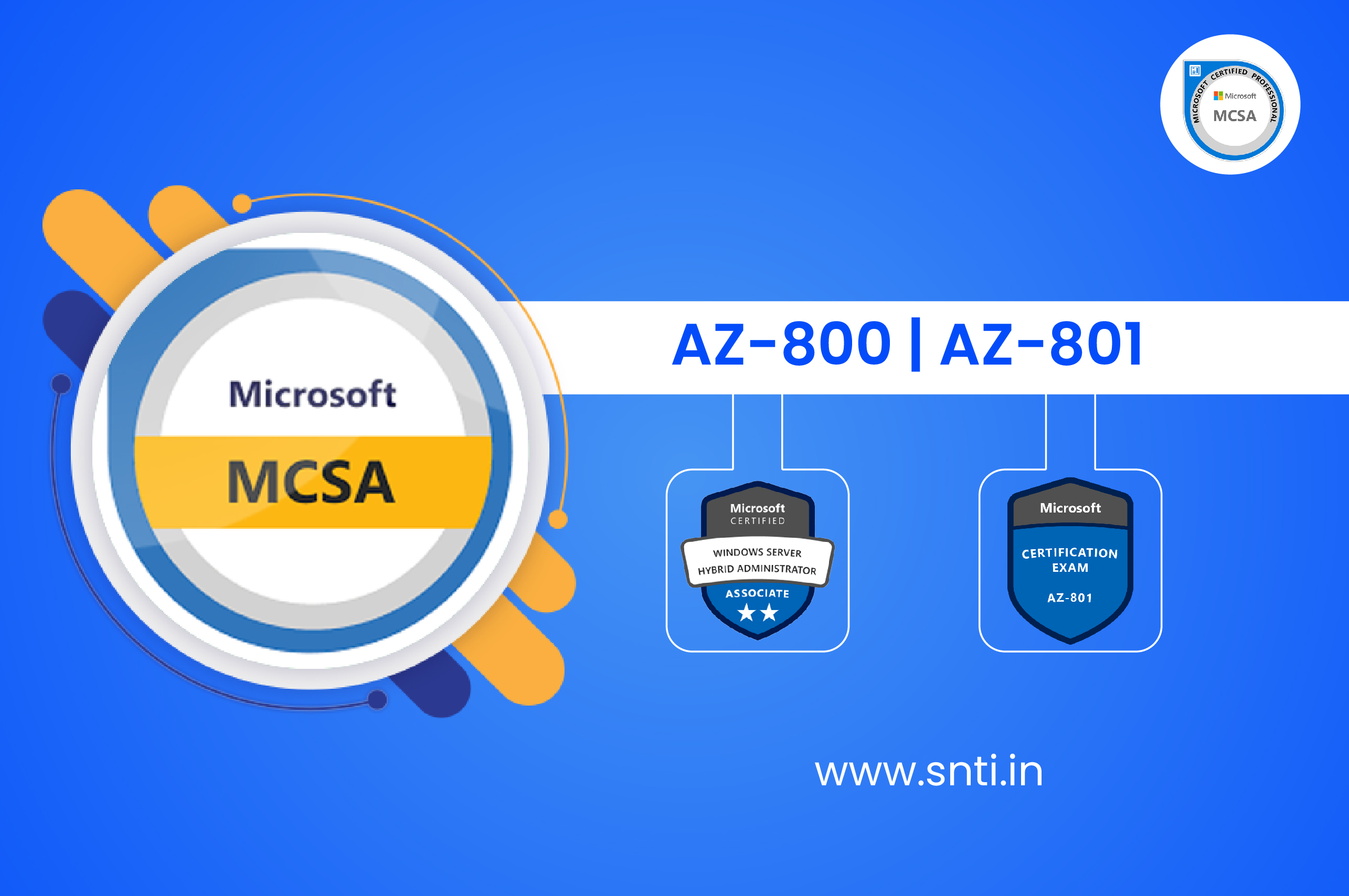
Microsoft Windows Server 2025 prepares you for tomorrow while delivering the security, performance, and flexibility you need today. Be more productive with easier networking, faster storage, and hybrid cloud capabilities that adapt to your needs. Get ahead of what’s next with forward-looking security, and AI-ready compute Windows Server 2025 delivers security advancements and new hybrid cloud capabilities in a high-performance, AI-capable platform, this course ensures you stay ahead in the IT industry.
With affordable fees, flexible learning options, and 100% placement support, SNTI’s MCSA 2022 certification training prepares you for top IT roles, including System Administrator, Cloud Engineer, and Network Security Specialist. Learn from industry experts and gain job-ready skills in Windows Server 2022. Enroll now with SNTI and become an MCSA 2022 certified professional!.
- IT Freshers or Professionals having knowledge of Basic Networking.
- Database Administration.
- System Administration.
- Email Server Management.
- Introduction to AD DS
- Describe AD DS
- Describe users, groups, and computers
- Identify and describe AD DS forests and domains
- Describe OUs
- Manage objects and their properties in AD DS
- Manage AD DS domain controllers and FSMO roles
- Implement Group Policy Objects
- Manage advanced features of AD DS
- Implement hybrid identity with Windows Server
- Deploy and manage Azure IaaS Active Directory domain controllers in Azure
- Perform Windows Server secure administration
- Describe Windows Server administration tools
- Perform post-installation configuration of Windows Server
- Administer and manage Windows Server IaaS Virtual Machine remotely
- Manage hybrid workloads with Azure Arc
- Optimizing IT operations and management with Azure Auto manage
- Just Enough Administration in Windows Server
- Configure and manage Hyper-V
- Configure and manage Hyper-V virtual machines
- Secure Hyper-V workloads
- Plan and deploy Windows Server IaaS Virtual Machines
- Customize Windows Server IaaS Virtual Machine images
- Automate the configuration of Windows Server IaaS Virtual Machines
- Run containers on Windows Server
- Orchestrate containers on Windows Server using Kubernetes
- Implement DNS for Windows Server IaaS VMs
- Deploy and manage DHCP
- Implement Windows Server DNS
- Implement IP Address Management
- Implement remote access
- Implement hybrid network infrastructure
- Implement Windows Server IaaS VM IP addressing and routing
- Manage Windows Server file servers
- Implement Storage Spaces and Storage Spaces Direct
- Implement Windows Server Data Deduplication
- Implement Windows Server iSCSI
- Implement Windows Server Storage Replica
- Implement a hybrid file server infrastructure
- Implement Windows Server IaaS VM network security
- Audit the security of Windows Server IaaS Virtual Machines
- Manage Azure updates
- Create and implement application allowlists with adaptive application control
- Configure BitLocker disk encryption for Windows IaaS Virtual Machines
- Implement change tracking and file integrity monitoring for Windows IaaS VMs
- Secure Windows Server DNS
- Secure Windows Server user accounts
- Hardening Windows Server
- Windows Server update management
- Introduction to Cluster Shared Volumes
- Implement Windows Server failover clustering
- Implement high availability of Windows Server VMs
- Implement Windows Server File Server high availability
- Implement scale and high availability with Windows Server VM
- Implement Hyper-V Replica
- Implement hybrid backup and recovery with Windows Server IaaS
- Protect your on-premises infrastructure from disasters with Azure Site Recovery
- Protect your Azure infrastructure with Azure Site Recovery
- Protect your virtual machines by using Azure Backup
- Migrate on-premises Windows Server instances to Azure IaaS virtual machines
- SYSVOL Folder Replication.
- Active Directory Domain Services migration
- Migrate file server workloads using Storage Migration Service
- Migrate Windows Server roles
- Containerize and migrate ASP.NET applications to Azure App Service
- Monitor Windows Server IaaS Virtual Machines and hybrid instances
- Monitor your Azure virtual machines with Azure Monitor
- Monitor Windows Server performance
- Manage and monitor Windows Server event logs
- Implement Windows Server auditing and diagnostics
- Troubleshoot on-premises and hybrid networking
- Troubleshoot Windows Server Virtual Machines in Azure
- Troubleshoot Active Directory